Twitch’s Stream-o-Ween Runs Through October 31 With Spooky Hype Train Emotes
GAME MODE Staff·Oct 18, 2026· 2m read
Streamers can tag in for a shot at front-page features, and Sea of Thieves and Hunt: Showdown 1896 reward events start later this month.
Twitch is dressing up for the whole month. Its Halloween event, Stream-o-Ween, runs from October 1 to 31, with hundreds of horror creators featured on a Stream-o-Ween shelf on the front page and Halloween events highlighted in the front-page carousel. Streamers can opt in with an event tag.
Emotes, Drops and a Rivals double bill
The Hype Train has a Halloween emote set by artist and Twitch Ambassador Megaa, running from ZombiePup at level 1 to EyeSeeYou at level 5. Viewers earn them by contributing Bits, subs or gift subs during an active train.
On the Drops side:
- Phasmophobia offers a limited-time reward for watching its streamers during its Halloween event.
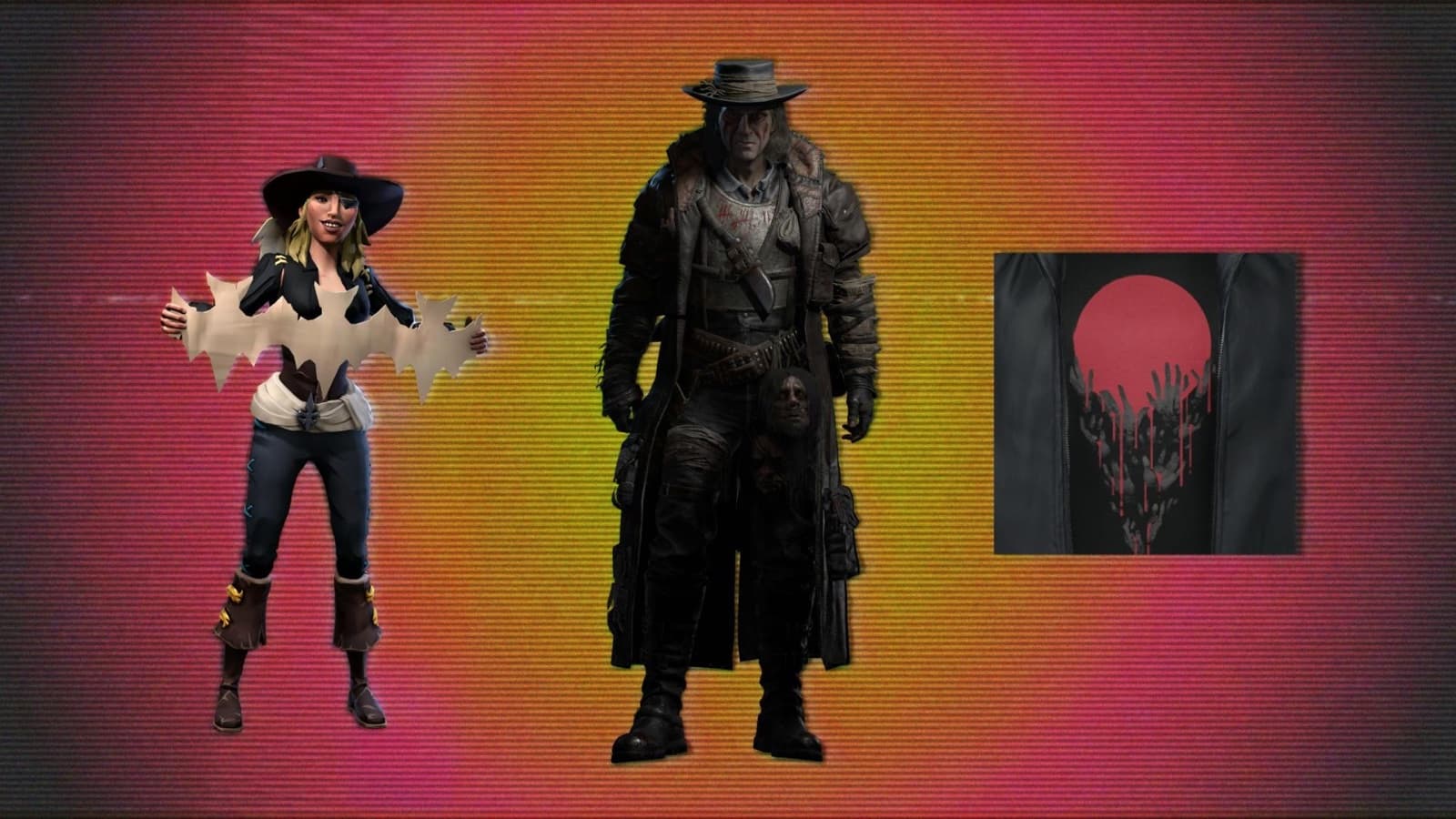
- Sea of Thieves holds a Community Weekend with five rewards from October 23 to 26.
- Hunt: Showdown 1896 runs a community event with 128 rewards from October 26 to November 9.
If you’re chasing rewards, check Twitch’s Drops and Rewards page on each campaign’s start date. Twitch Rivals then closes the month with a “Double Feature” of two spooky games on Thursday, October 29, and Friday, October 30, starting at 2 p.m. PT each day on the TwitchRivals channel.
How streamers get on the event page
Opting in
- Stream in an eligible category: Horror Games, Sea of Thieves, Hunt: Showdown 1896, Just Chatting, IRL, Art, Music, DJs, Food & Drink or GRWM.
- Look for the Premium Event field, which appears in Stream Manager and OBS.
- Select the Stream-o-Ween tag. That puts you on the event page alongside other participants, without changing your category.
Getting chat ready
Front-page placement can bring a rush of new viewers, so Twitch recommends:
- AutoMod at level 2
- Email and phone verification for chat
- Followers-only mode of at least 10 minutes
- Shield Mode, set up for when it’s needed