Changing a Realm World? Preserve the One Your Friends Built
GAME MODE Staff·Aug 22, 2026· 1m read
Download the world you want to keep and communicate the change before replacing it.
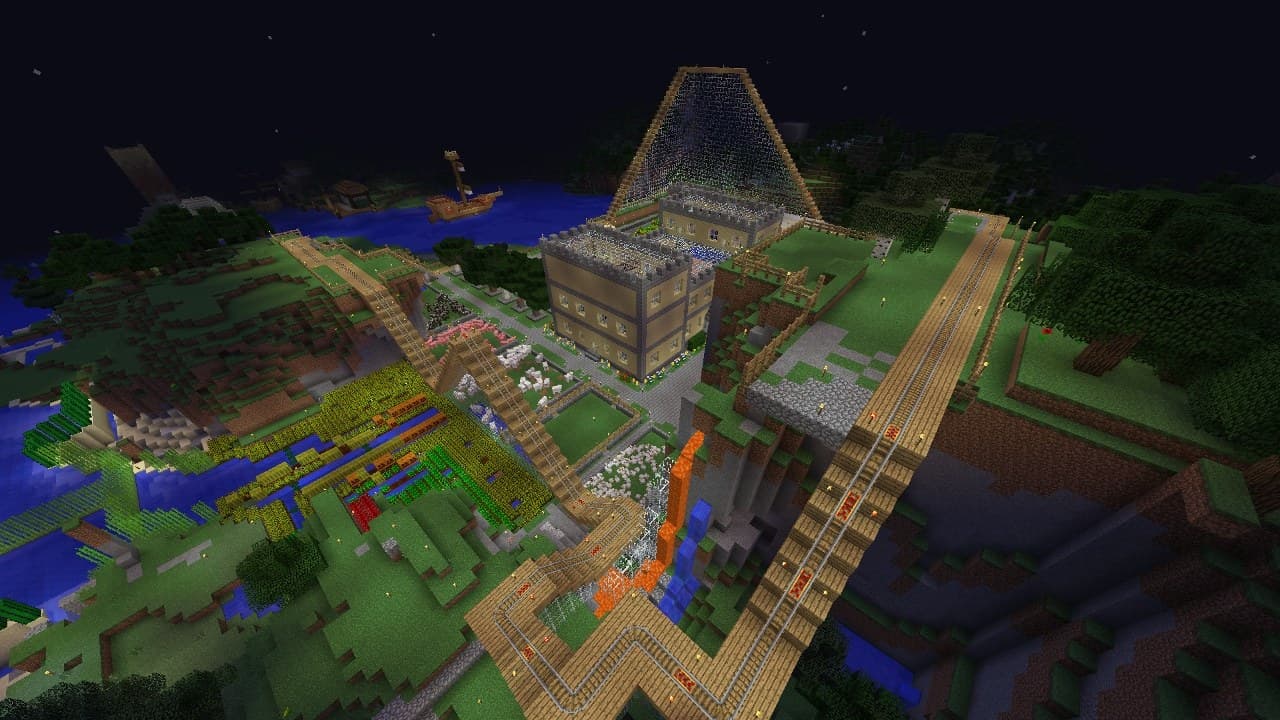
Minecraft provides tools for downloading and changing the world used by a Realm. Its official world-management guide walks through the relevant controls. Before replacing an active world, decide which version of the group’s progress you want to preserve and make sure you have a usable copy. (Minecraft Realm world management guide)
Name the backup so it means something
Use a date and a short description that you will recognize later. A folder full of files called “final world” becomes confusing quickly. Keep the downloaded world somewhere you can find again, and verify the copy before treating the active Realm as expendable.
Ask friends to finish their current session and announce the planned change. Someone halfway through a project may want to document it or collect information before the group moves on.
Make the new world a fresh agreement
Explain whether the replacement is temporary, a new long-term home, or a test. Share any changes to settings and the plan for returning to an older world. A clean transition protects the social history as well as the save file. Follow the edition-specific steps in the official guide, because similar-looking management screens do not mean every platform uses identical controls.
Cited sources (1)
- Minecraft Realm world management guide ↗minecraft.net