Why a High FPS Counter Can Still Feel Slow
GAME MODE Staff·Jul 24, 2026· 2m read
NVIDIA Reflex targets response delay. Here’s how to separate smooth-looking motion from the time between input and reaction.
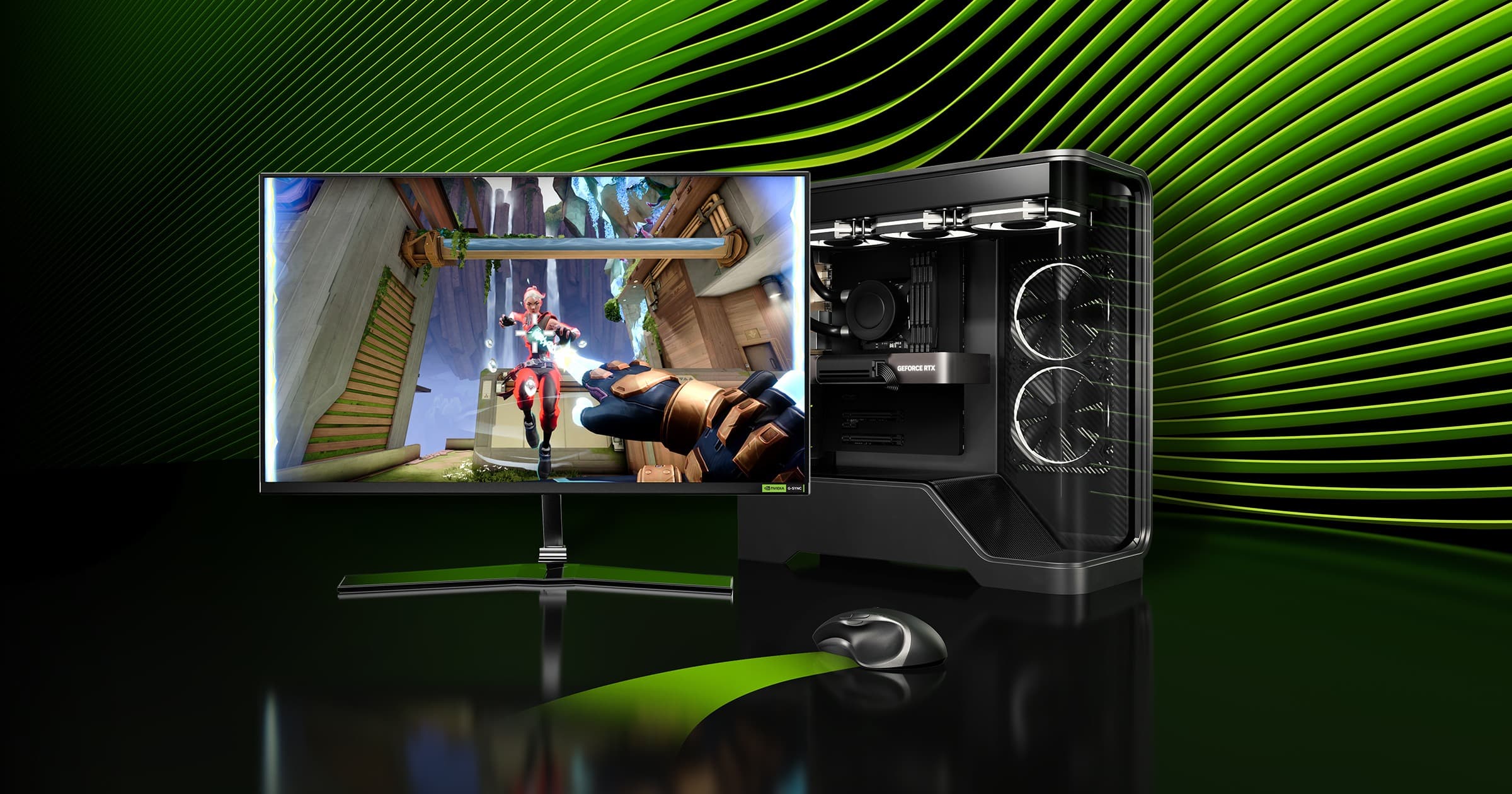
Frame rate and responsiveness are related, but they are not the same measurement. NVIDIA describes Reflex Low Latency as synchronizing CPU and GPU rendering work to reduce PC latency. That focuses on the delay in responding to an input, rather than simply displaying a larger FPS number. (NVIDIA Reflex technology overview)
Compare one change at a time
Use a game that supports Reflex and begin with a repeatable practice scenario. Keep resolution, graphics settings, and frame limits constant while comparing the available latency option. If you change all of them together, you lose the ability to identify what improved the experience.
Watch for consistency as well as averages. A setup that feels steady during busy fights may be preferable to one that reaches a higher peak while regularly stumbling. Use the game's own performance information where available, and compare equivalent measurements instead of mixing a frame-rate counter with an unrelated latency figure.
Follow the whole input chain
Your mouse or controller, the game, the PC, and the display all contribute to what you feel. NVIDIA's separate Reflex Analyzer feature measures compatible mouse-to-display interactions on supported hardware; it should not be confused with simply enabling Reflex inside a game.
Our tuning approach is to establish a reliable baseline, adjust one supported option, and keep notes. You do not need a universal pro preset to make progress. You need to know which setting changes the response on your own system, in the game you actually play.
Cited sources (1)
- NVIDIA Reflex technology overview ↗nvidia.com