Your First OBS Stream Should Begin With a Recording
GAME MODE Staff·Jul 26, 2026· 2m read
Build a clean scene, verify the right audio devices, and rehearse the broadcast before pressing Go Live.
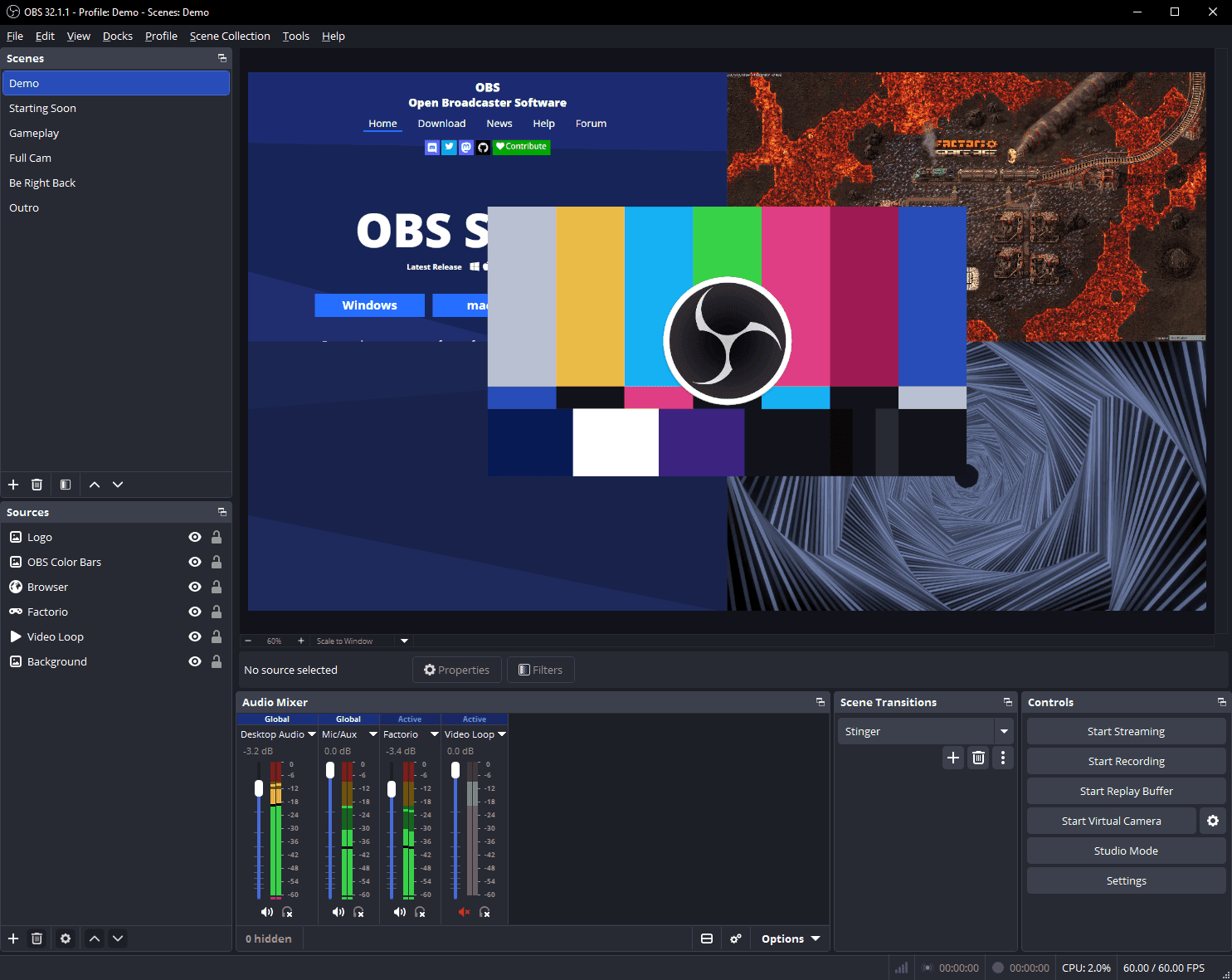
OBS Studio's Auto-Configuration Wizard considers your hardware, intended use, and network conditions to suggest a starting setup. That is a useful beginning, but OBS's own quick-start guide also recommends a test recording or stream before your first broadcast. (OBS official quick-start guide)
Build one dependable scene
Start with the game and your microphone. Add a camera if it serves the format, then make sure every source appears where you expect. A plain scene that reliably captures the action is more useful than a complex overlay that hides the score or important subtitles.
Record a few minutes that include ordinary speech, a louder reaction, a menu transition, and actual gameplay. Watch the file with headphones. Check whether your microphone disappears beneath the game, whether desktop notifications appear, and whether moving between windows exposes anything you did not intend to show.
Rehearse the awkward moments
Practice moving to a break screen and muting your microphone. Test how you return to the game when something goes wrong, because a recovery you have rehearsed feels much less dramatic on air.
Keep a short launch checklist beside the monitor: correct game source, correct microphone, balanced audio, and the intended stream destination. Change only what a test reveals needs changing. Your audience will remember whether they could hear you and follow the session; the animated border can wait until the core broadcast works comfortably.
Cited sources (1)
- OBS official quick-start guide ↗obsproject.com