Cleaner Stream Audio Starts Before the Filter Stack
GAME MODE Staff·Aug 6, 2026· 2m read
Understand suppression, gates, compression, and limiting, then add only the processing your microphone actually needs.
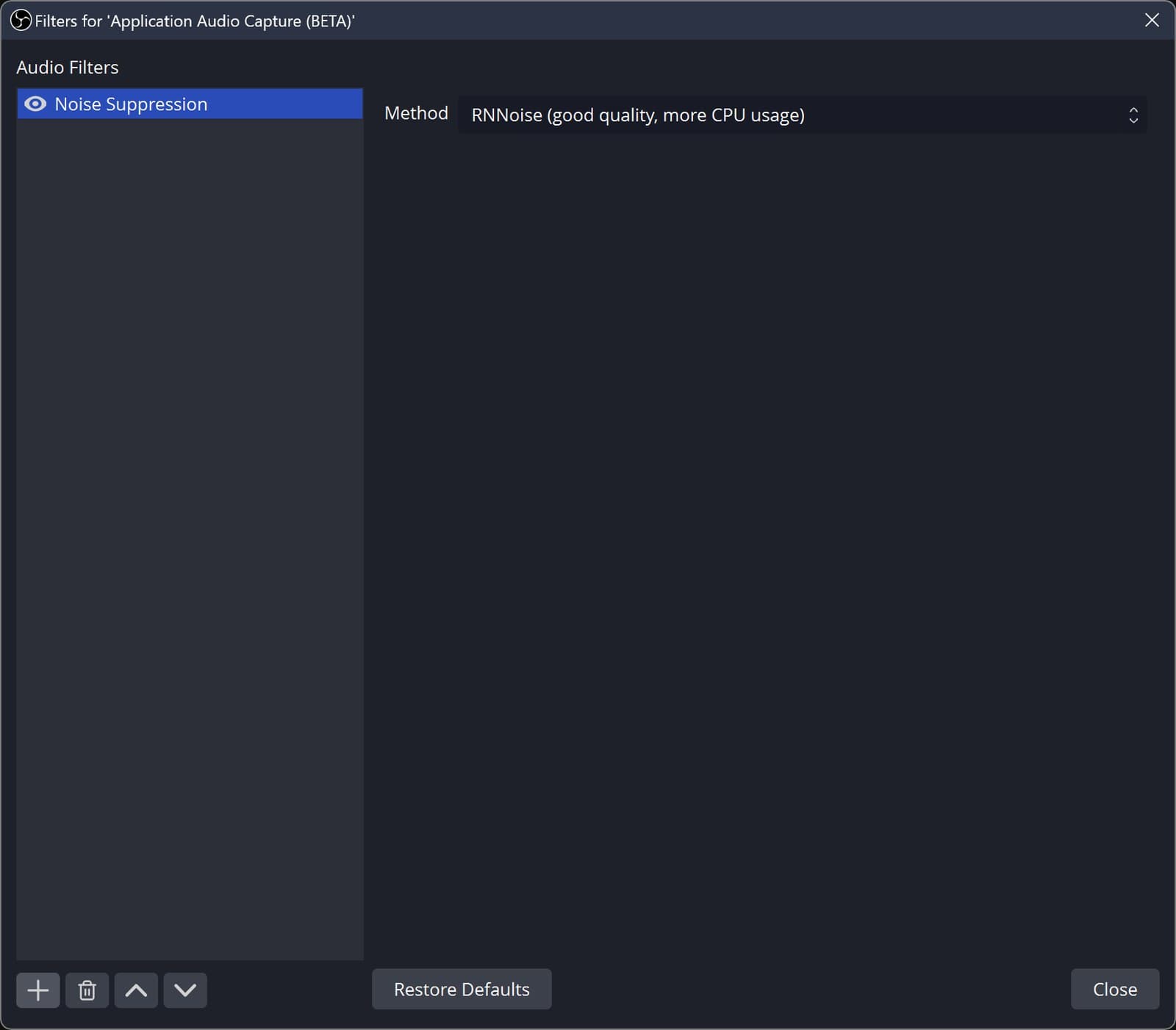
OBS includes several audio tools that solve different problems. Noise suppression targets background noise; a gate cuts sound while you are not speaking; compression controls level changes; and a limiter helps constrain peaks. They are separate tools, not a single preset that makes every microphone sound professional. (OBS filter reference)
Listen to the unprocessed recording
Record your normal speaking voice before adding filters. Move the microphone to a comfortable, repeatable position and listen for keyboard noise, room echo, and sudden loud peaks. If the main problem is that you are far from the mic, aggressive processing may make the voice stranger without addressing the cause.
Add one filter at a time and compare against the original. Test the beginnings and endings of quiet sentences, because an overly aggressive gate can cut off words. Include an excited reaction too; a stream rarely stays at one perfectly even volume.
Judge the mix as a viewer
Play the recording at an ordinary listening level with game audio included. Speech needs to remain understandable when the action gets busy, but the game should still feel present. Check more than a single shouted phrase or whispered test.
Keep a copy of the previous settings so you can undo an experiment. Our aim is a recognizable, comfortable voice that remains clear across a whole session. A short, well-understood filter chain is easier to maintain than a stack of effects added because someone else's microphone needed them.
Cited sources (1)
- OBS filter reference ↗obsproject.com