Build a Better Steam Deck OLED Travel Library
GAME MODE Staff·Aug 21, 2026· 2m read
Plan around the handheld screen, battery demands, and the games you can comfortably play away from your desk.
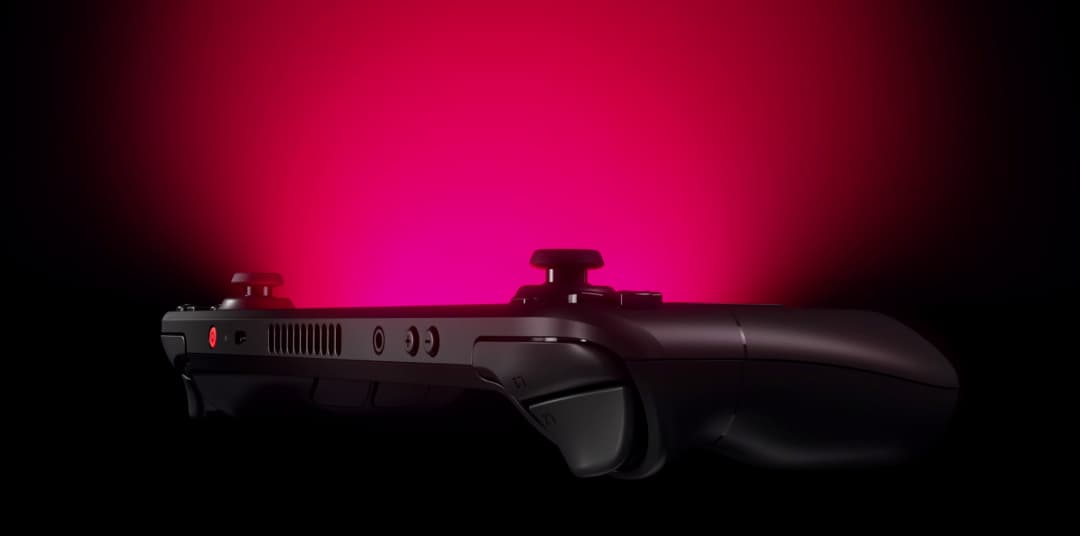
Steam Deck OLED puts a 7.4-inch, 1280-by-800 HDR OLED screen in your hands, with a refresh rate up to 90Hz and a 50Wh battery. Valve's specifications explain the hardware; the more personal question is which part of your PC library belongs on it. (Valve Steam Deck technical specifications)
Pack for different kinds of sessions
Build a small travel collection with variety: something for ten spare minutes, a longer adventure for an evening, and a familiar game you can return to without remembering an elaborate control scheme. A giant installation queue can turn a portable device into another backlog to manage.
Read each game's compatibility notes and look closely at text size. A game that feels natural on a desktop can demand more menu navigation or precision on a handheld. Try the actual opening section before leaving home, including any launcher, first-run download, and controller configuration.
Test the trip, not just the game
Battery life depends on what the system is doing. Use a demanding section to judge your own settings, rather than treating a published range as a guarantee for every title. Make sure your charging setup and carrying case fit the bag you will actually use.
Before departure, confirm cloud synchronization and test whether the games you intend to use offline can start without a connection. A smaller, prepared library is the real upgrade: less setup in the hotel room and more time playing the games you brought the handheld for.
Cited sources (1)
- Valve Steam Deck technical specifications ↗steamdeck.com