Wooting 80HE: What Rapid Trigger Actually Changes
GAME MODE Staff·Aug 30, 2026· 2m read
Adjustable actuation and motion-based resets give keyboard tuning a new dimension. Start with a controlled setup.
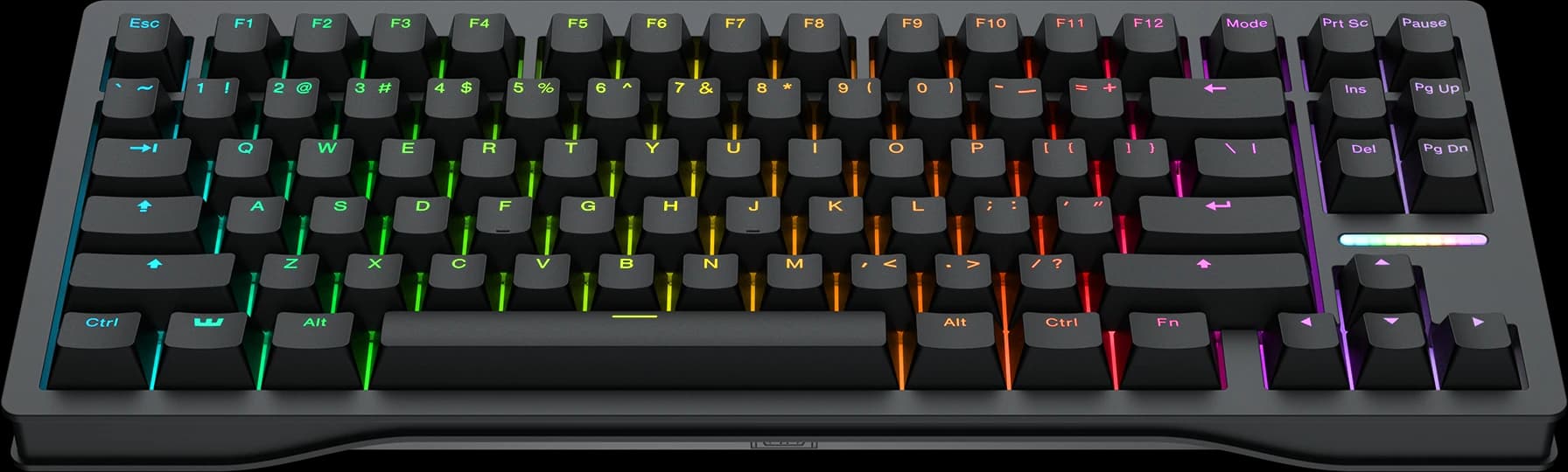
Wooting's 80HE uses analog Hall-effect switches, adjustable actuation, and Rapid Trigger in an 80% keyboard layout. Wooting also lists synchronized 8kHz scanning and polling. The feature to understand first is how the key responds to movement, rather than treating the polling number as a shortcut to better play. (Wooting 80HE product overview)
Actuation and reset do different jobs
Actuation determines how far you press before the key registers. Rapid Trigger changes when the input resets and activates as the key moves. Together, they let you shape the relationship between your fingers and an in-game action more closely than a single fixed switch point.
For a first profile, adjust a few movement keys and leave ordinary typing keys comfortable. Test deliberate taps, held movement, and the moment you release a key. If resting a finger causes unwanted actions, a more forgiving setting may be the better choice for you.
Build confidence before adding features
Keep a separate everyday typing profile and make sure you can switch back easily. Wooting supports onboard profiles, which makes a clear separation between gaming and work useful without rebuilding the layout every time.
Advanced input features are not interchangeable, and individual games or tournaments can restrict certain behaviors. Check the rules for the mode you enter before enabling automation or input-priority options. Our suggestion is to start with ordinary remapping, comfortable actuation, and a repeatable movement test. The strongest setup is the one you understand well enough to troubleshoot.
Cited sources (1)
- Wooting 80HE product overview ↗wooting.io