Turn Couch Co-op Into an Online Game Night
GAME MODE Staff·Sep 2, 2026· 2m read
Steam Remote Play Together lets a host stream supported local multiplayer games to friends. A short setup test goes a long way.
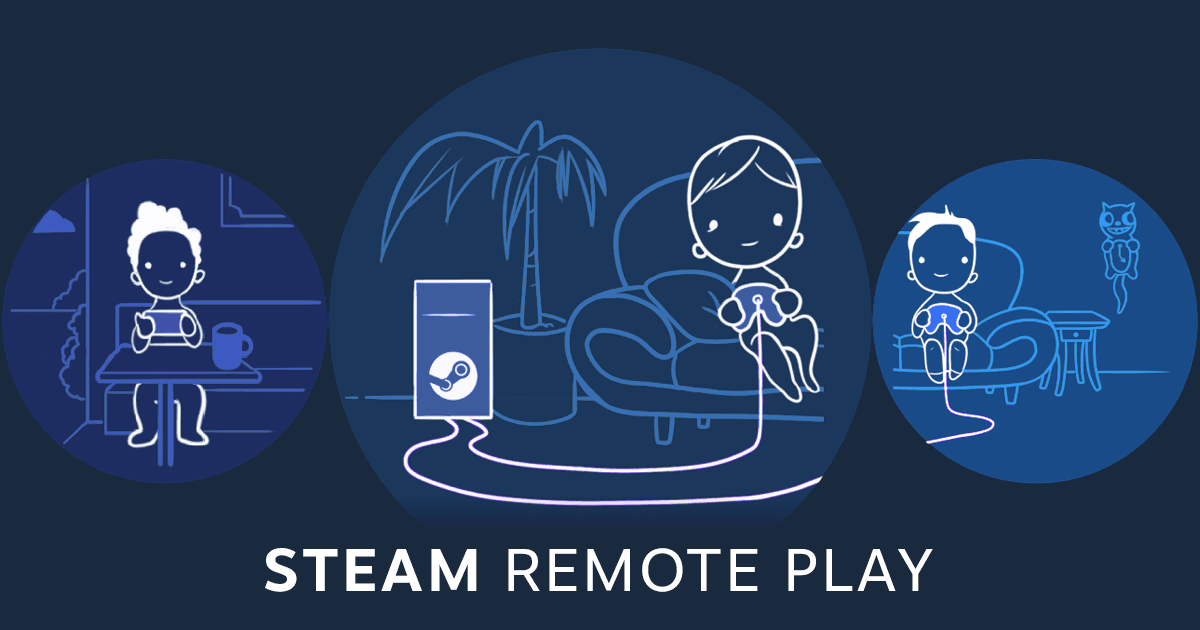
A local multiplayer game does not always require everyone on the same couch. Steam Remote Play Together lets one player own and run a supported game while friends join over the internet. The host sends game video and audio, and the other players send their inputs back. (Valve Remote Play overview)
Pick the right first session
Choose a game with explicit Remote Play Together support, then invite your friends through Steam after launching it. Check controller assignments before beginning a campaign or tournament. Each person should be able to identify their character and open the correct menu without taking over someone else's input.
A relaxed co-op level makes a better connection test than a precision challenge. Ask everyone to move, jump, and use a timed action. If the result feels sluggish, simplify the test and check connection quality before deciding that the game itself is the problem.
Make the host setup predictable
Pause large downloads and keep the host computer available for the session. A stable network matters because the host is running the game and streaming it at the same time. Review keyboard and mouse sharing permissions so guests have the controls they need.
Valve says only the game is shown to guests through this feature. Even so, close distracting overlays and check audio levels. A five-minute rehearsal can preserve an entire evening, especially when your group includes different devices, controllers, and levels of technical confidence.
Cited sources (1)
- Valve Remote Play overview ↗store.steampowered.com